Brightspace is the College's online learning platform for all classes.
All students will login to Brightspace using their Penn Highlands email address and password.
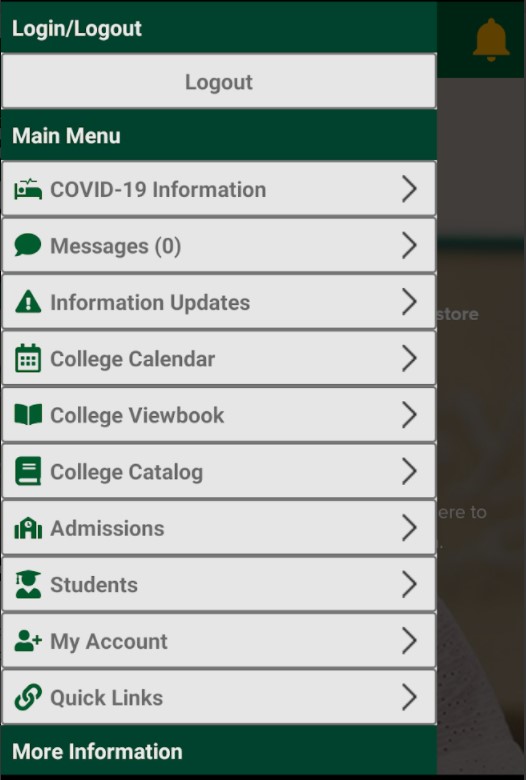
You will find links to Brightspace on the Penn Highlands homepage, on the homepage under Quick Links, or by searching myPEAK or the main website.
This
video will introduce you to Brightspace and help you get started in your classes.
A Brightspace tutorial is available and strongly recommended for all students to complete. Click here to access the tutorial.
If you need assistance accessing your classes in Brightspace, you may contact the IT Help Desk via email at helpdesk@pennhighlands.edu or at 814-262-6470.